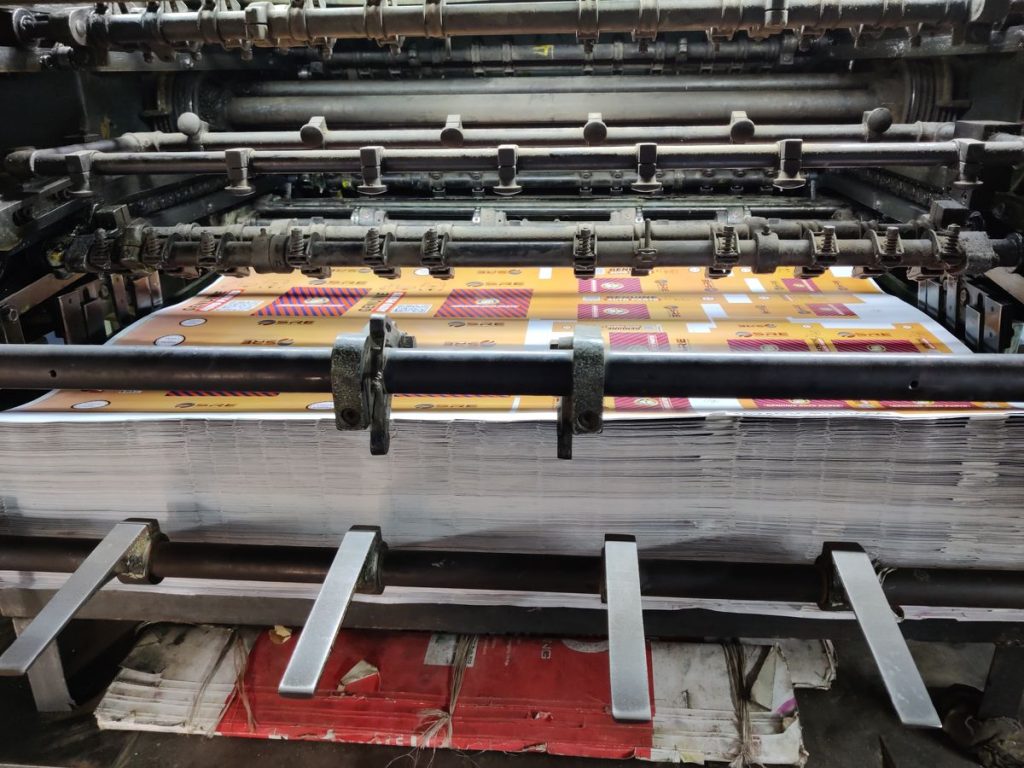
Custom-printed vacuum compression bags are one of the fastest ways to build a differentiated brand in a crowded market. But when your factory asks “Which printing method do you want?”, most importers don’t know how to answer. The choice between silkscreen, gravure, and digital printing affects your costs, minimum order quantities (MOQs), print quality, and lead times — sometimes by a factor of 5× or more.
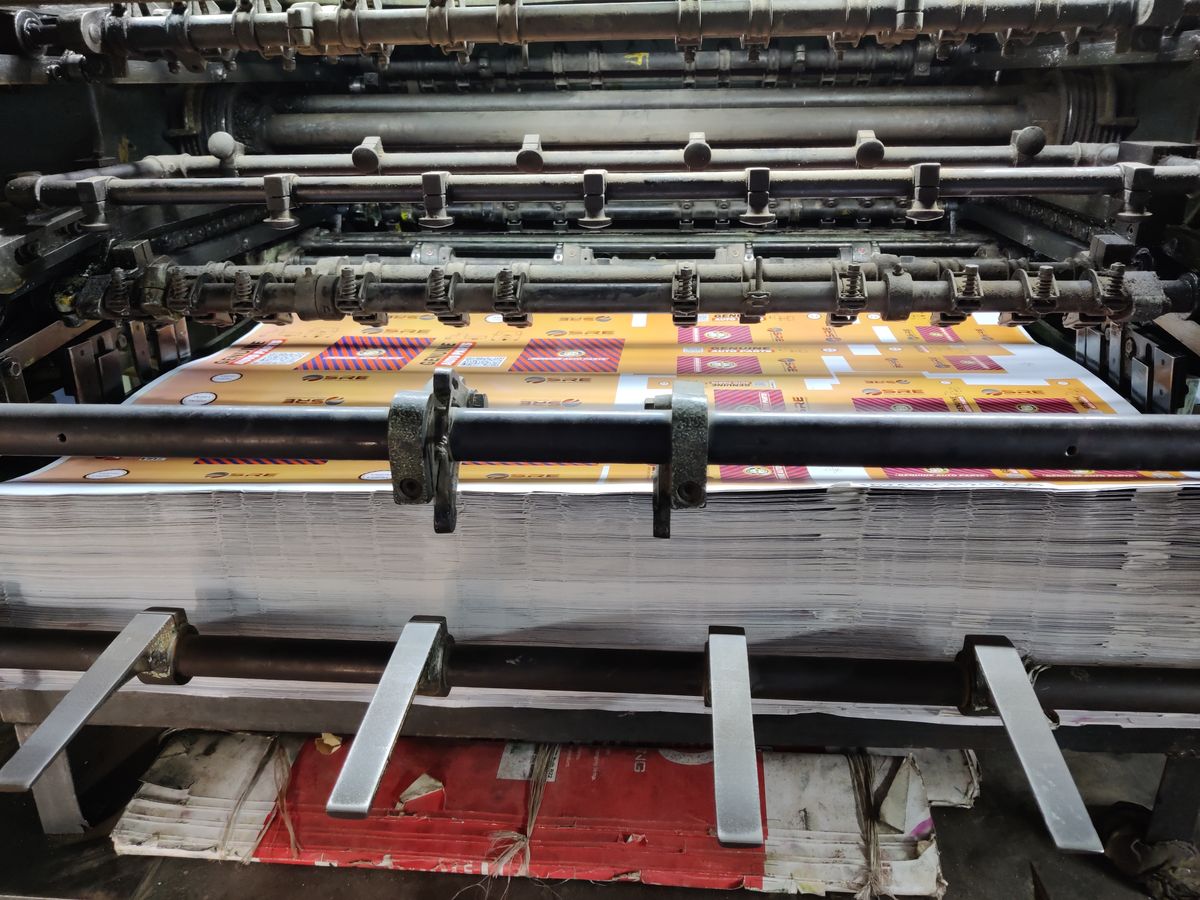
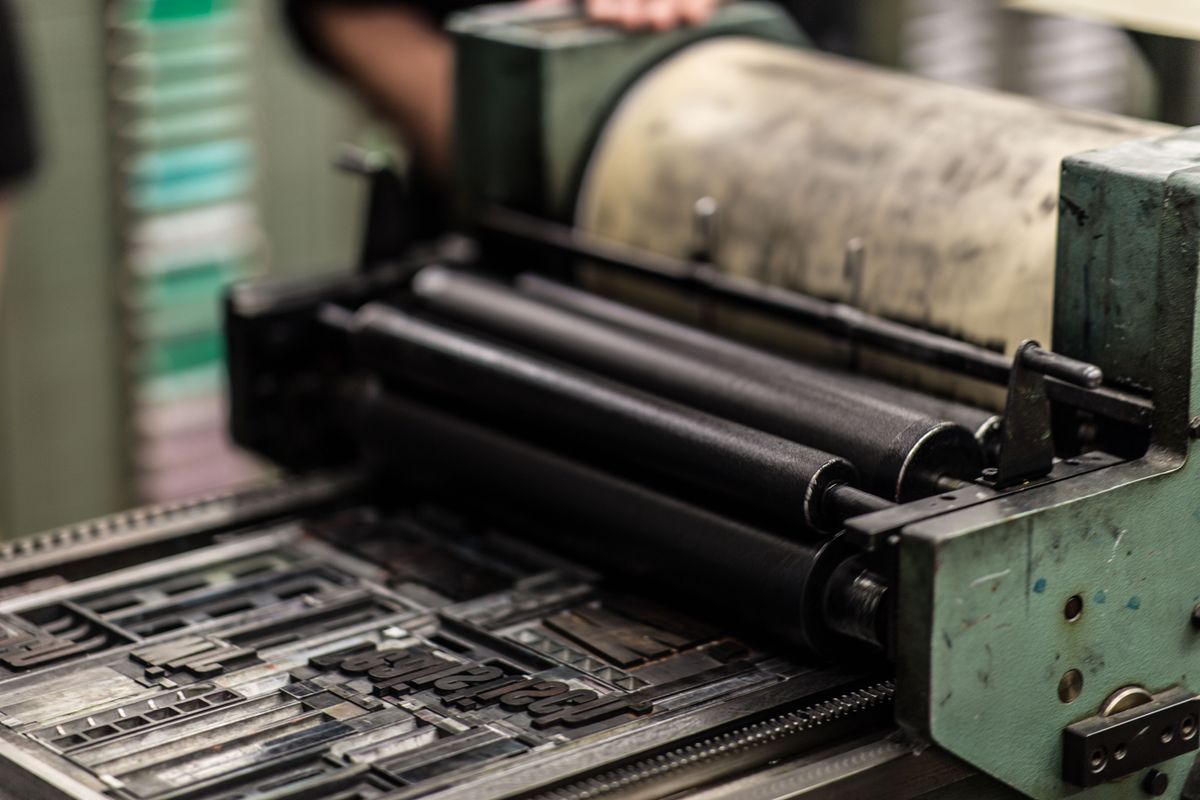
This guide breaks down each printing technique so you can make an informed decision for your OEM vacuum bag project.
1. Silkscreen Printing: The Workhorse
How it works: Ink is pushed through a fine mesh screen onto the bag surface, one color at a time. Each color requires a separate screen and a separate pass through the printing station.
Best for: Simple logos, text-based designs, 1–3 color prints, large solid color areas.
| Factor | Silkscreen Details |
|---|---|
| Setup cost | $30–$80 per color per design |
| Per-unit cost | $0.03–$0.08 per color |
| MOQ | 3,000–5,000 pieces per design |
| Color accuracy | Good for solid colors; poor for gradients/photos |
| Durability | Excellent — thick ink layer resists scratching |
| Lead time | 3–5 days for screens + 5–7 days printing |
Pros: Lowest cost for medium runs, thick ink coverage looks premium, works on all bag materials (PA+PE, PET+PE, nylon). Cons: Limited to solid colors (no gradients), each color adds cost and time, registration (alignment) can drift on long runs.
2. Gravure Printing: The Premium Choice
How it works: The design is etched into a metal cylinder. Ink fills the etched cells, and a blade scrapes excess ink off the surface. The cylinder then presses against the film, transferring the ink. Each color requires its own cylinder.
Best for: Photographic images, complex multi-color designs, long production runs, packaging-grade quality.
| Factor | Gravure Details |
|---|---|
| Setup cost | $300–$800 per cylinder (1 cylinder per color) |
| Per-unit cost | $0.01–$0.03 per color at scale |
| MOQ | 20,000–50,000 pieces per design |
| Color accuracy | Excellent — supports CMYK, gradients, photos |
| Durability | Very good — consistent ink density |
| Lead time | 7–10 days cylinder engraving + 10–15 days printing |
Pros: Near-photographic quality, cost-effective at high volumes, consistent from first bag to last. Cons: High upfront cylinder costs, long lead times, cylinders are expensive to modify if you change your design, impractical for small runs.
For an in-depth look at bag materials that work best with each printing method, see our vacuum bag materials comparison guide.
3. Digital Printing: The Flexible Newcomer
How it works: UV-curable or solvent ink is jetted directly onto the bag surface from a digital print head — similar to an inkjet printer but industrial-grade. No screens, no cylinders, no plates.
Best for: Small runs, prototypes, variable data printing, rapid design changes, sampling.
| Factor | Digital Details |
|---|---|
| Setup cost | $0–$50 (file preparation only) |
| Per-unit cost | $0.10–$0.25 per bag |
| MOQ | 100–500 pieces per design |
| Color accuracy | Very good — full CMYK, gradients, photos |
| Durability | Moderate — may wear with repeated folding |
| Lead time | 1–3 days |
Pros: Zero setup cost, ultra-fast turnaround, perfect for testing designs, variable data (unique serial numbers, QR codes) possible. Cons: Highest per-unit cost at scale, ink adhesion can be problematic on glossy PA film surfaces, print durability lower than silkscreen or gravure.
4. Design File Requirements
Regardless of printing method, your factory will need proper artwork files. Here’s what to prepare:
- Vector files (.AI, .EPS, .CDR, .PDF): Required for silkscreen and gravure. Text must be converted to outlines/curves. All fonts embedded or outlined.
- Raster files (.PSD, .TIFF): 300 DPI minimum at actual print size. CMYK color mode (not RGB).
- Pantone color codes: For silkscreen and gravure, specify exact Pantone (PMS) numbers for each color. Don’t rely on screen colors.
- Bleed and safe zone: Add 3mm bleed beyond the print area. Keep critical elements (logos, text) at least 5mm inside the trim edge.
- Print area dimensions: Confirm the exact printable area on the bag with your factory. Most vacuum bags have a print area of 150×200mm to 250×350mm.
5. Cost Comparison at Different Volumes
| Volume | Silkscreen (3-color) | Gravure (4-color) | Digital |
|---|---|---|---|
| 1,000 pcs | $0.39/bag | Not viable | $0.18/bag |
| 5,000 pcs | $0.19/bag | Not viable | $0.16/bag |
| 20,000 pcs | $0.15/bag | $0.14/bag | $0.15/bag |
| 50,000 pcs | $0.13/bag | $0.08/bag | $0.14/bag |
| 100,000 pcs | $0.12/bag | $0.06/bag | $0.13/bag |
Estimated all-in print costs including amortized setup. Actual prices vary by factory and design complexity.
6. Recommendation by Business Stage
- Testing a new brand (0–3,000 units): Go digital. Zero setup cost lets you test 3–5 designs without commitment.
- Amazon FBA launch (3,000–20,000 units): Silkscreen. Good balance of cost and quality for initial inventory.
- Established brand, retail distribution (20,000+ units): Gravure. The per-unit savings justify cylinder costs, and the print quality meets retail buyer expectations.
For more on building your vacuum bag brand, see our private label packaging and branding guide.
Key takeaway: Don’t let your factory choose the printing method for you. Understand the trade-offs, match the technique to your volume and quality requirements, and negotiate print costs as a separate line item — not bundled into the bag price. At Qingdao Sanyuan, we support all three printing methods and can advise on the best approach for your specific project.